Workspace Access
In Your Pocket
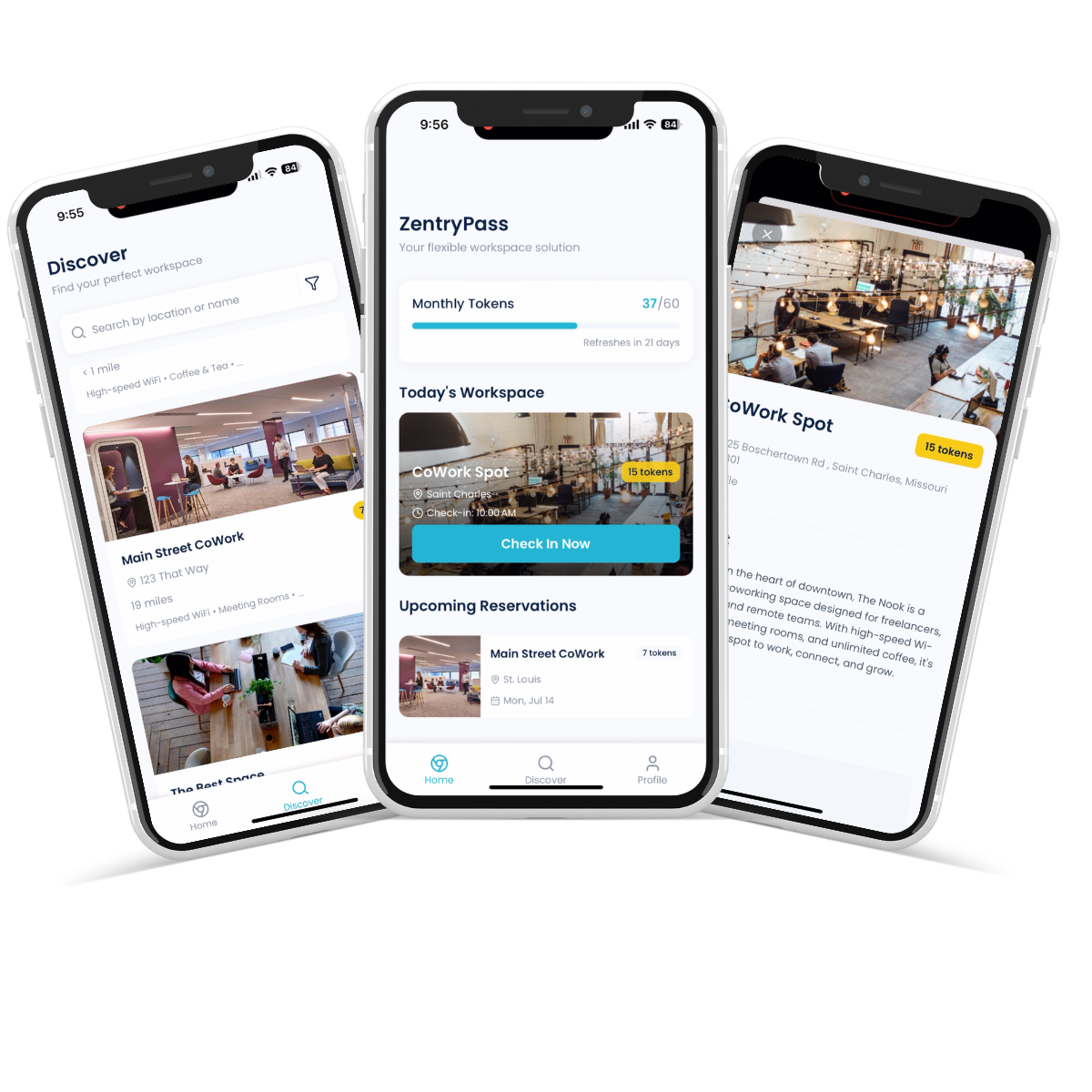
Employees use the Zentry Pass mobile app to seamlessly make reservations for coworking spaces, day passes, meeting rooms, and premium spaces. Get invited by your employer, download the app, and start booking workspaces instantly.
The app also includes a public marketplace for direct workspace access.
Key Features
Everything you need for seamless workspace access and reservations
Discover Workspaces
Find premium coworking spaces with real-time availability
Seamless Reservations
Book day passes, meeting rooms, and premium spaces instantly
GPS Check-ins
Easy check-in with geo-fenced verification
Premium Rooms
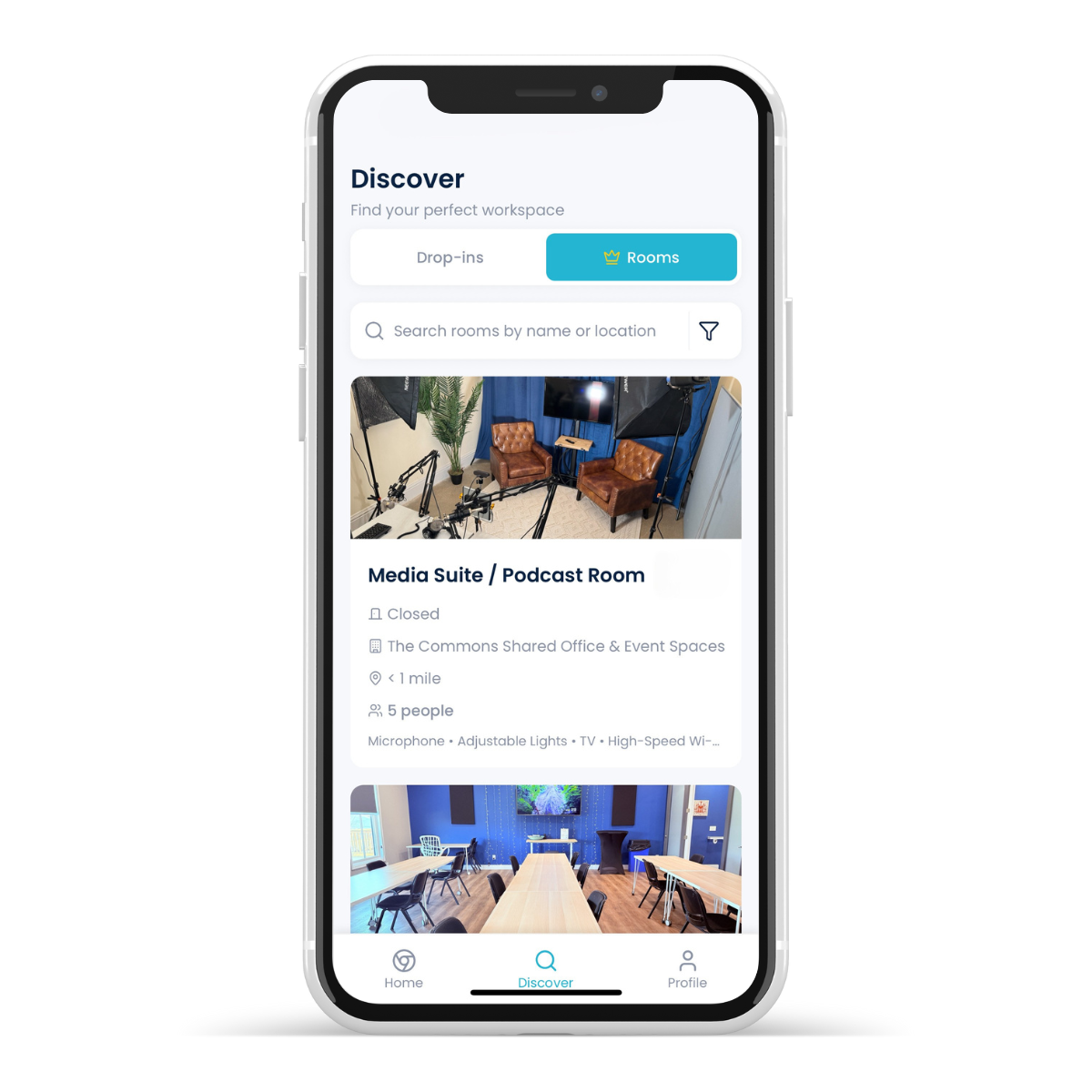
Access podcast studios, conference spaces, and specialized rooms
Premium Rooms Available
Employees with premium membership tiers can access specialized rooms including podcast studios, conference spaces, and more for professional meetings and content creation.
How It Works
Employers sign up and invite their employees. Employees receive an invitation, download the app, and can immediately start making seamless reservations for workspaces, day passes, and premium rooms.
Employer Signs Up
Company registers and invites employees
Employee Gets Invite
Download the app and create account
Start Booking
Make reservations instantly